05Article · Camera Movement
Cinematic Camera Moves with AI: 4 Moves, Explained
Cinematic camera moves aren't about the prompt — they're about camera language. Push-in, orbit, dolly zoom, bullet time: how each works and what to avoid.
01 / Push-In
Push-in: say what you want first
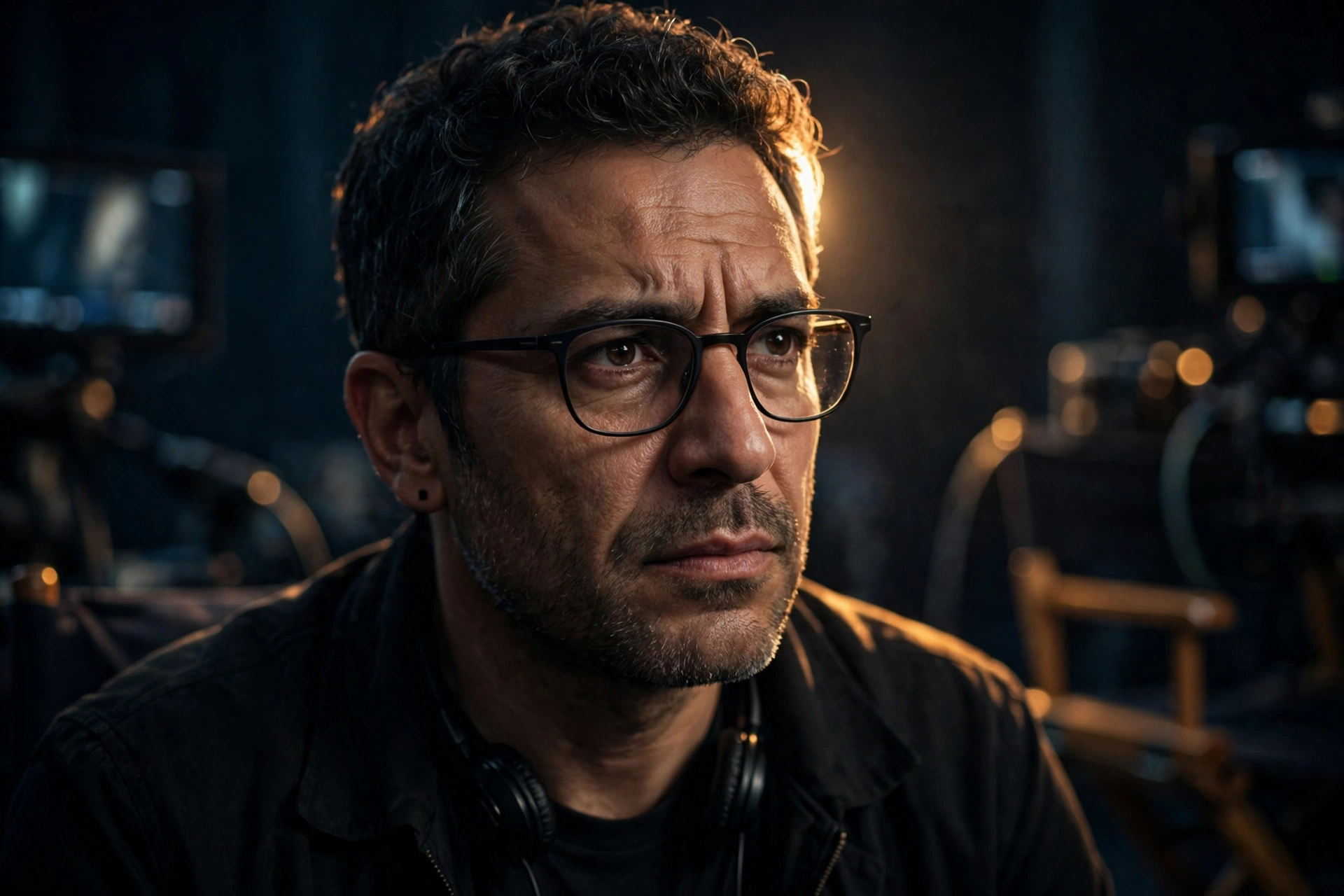
Give the AI a still image and tell it, “I'm the director, I want a fast zoom” — and the shot pushes in. A long zoom lens could do this on set; AI is just a different way of getting there.
How to prompt it: just write “push-in” or “fast zoom”. No need to stack complex prompts — the model fills in the rest.
Common mistake: an unclear subject. Lock focus on the subject and push forward gently. Push too hard or lose the subject, and the cinematic feel is gone.
02 / Orbit
Orbit: rise up and let the camera circle
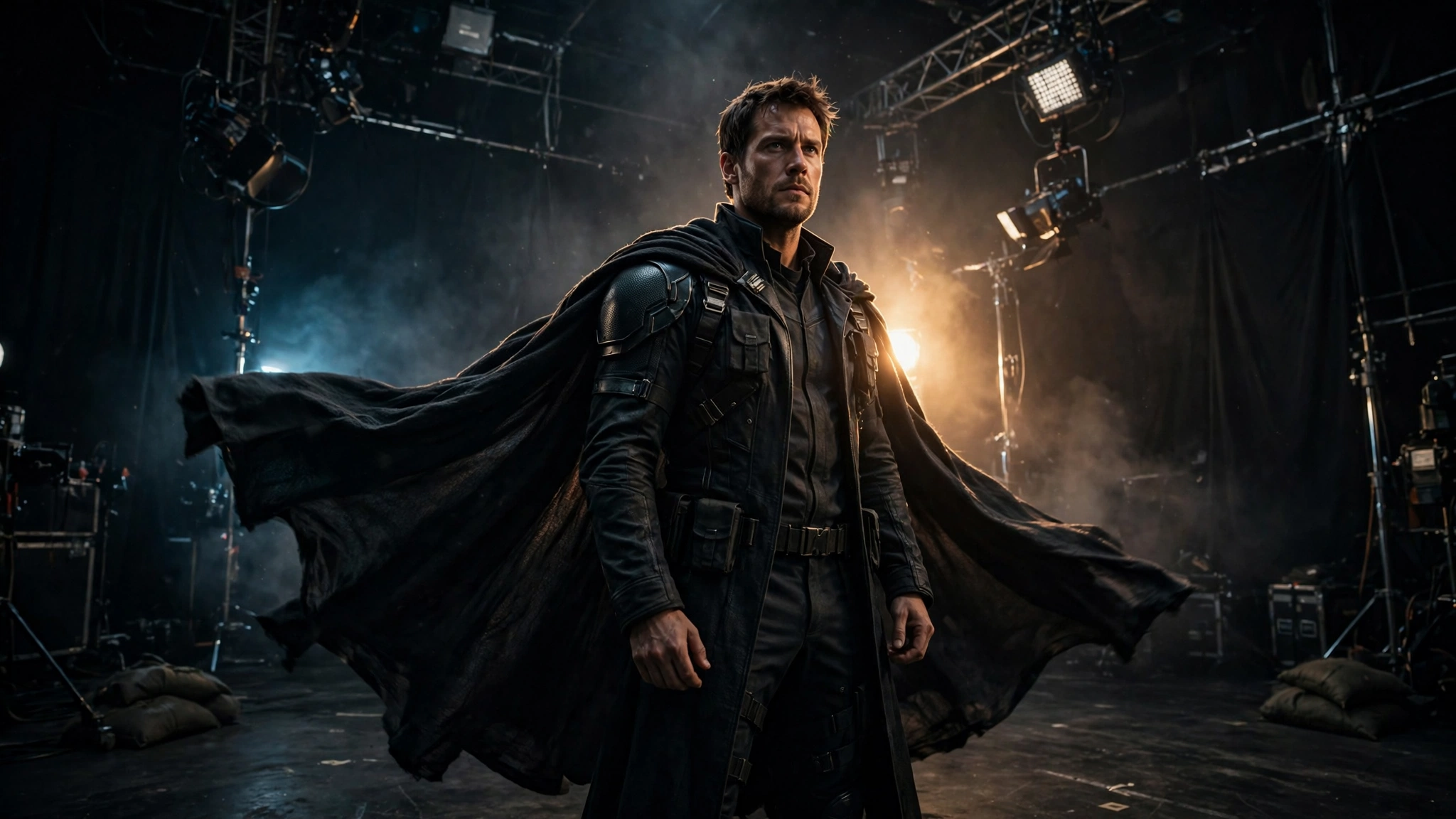
The character slowly stands while the camera circles them smoothly and rises at the same time — the classic Michael Bay orbit, sometimes called a rising shot. It suits entrances and hero moments: the character stays at the centre of the frame while light and shadow move with them.
How to prompt it: write both moves, “orbit” and “rise”. Write only “orbit” and the AI tends to do a flat circle on one plane — no entrance feel.
Common mistake: moving too fast. Cinematic orbits are slow — slow push, slow circle. Speed it up and it looks cheap.
03 / Dolly Zoom
Dolly zoom: push in while you pull the zoom — don't make it a plain push
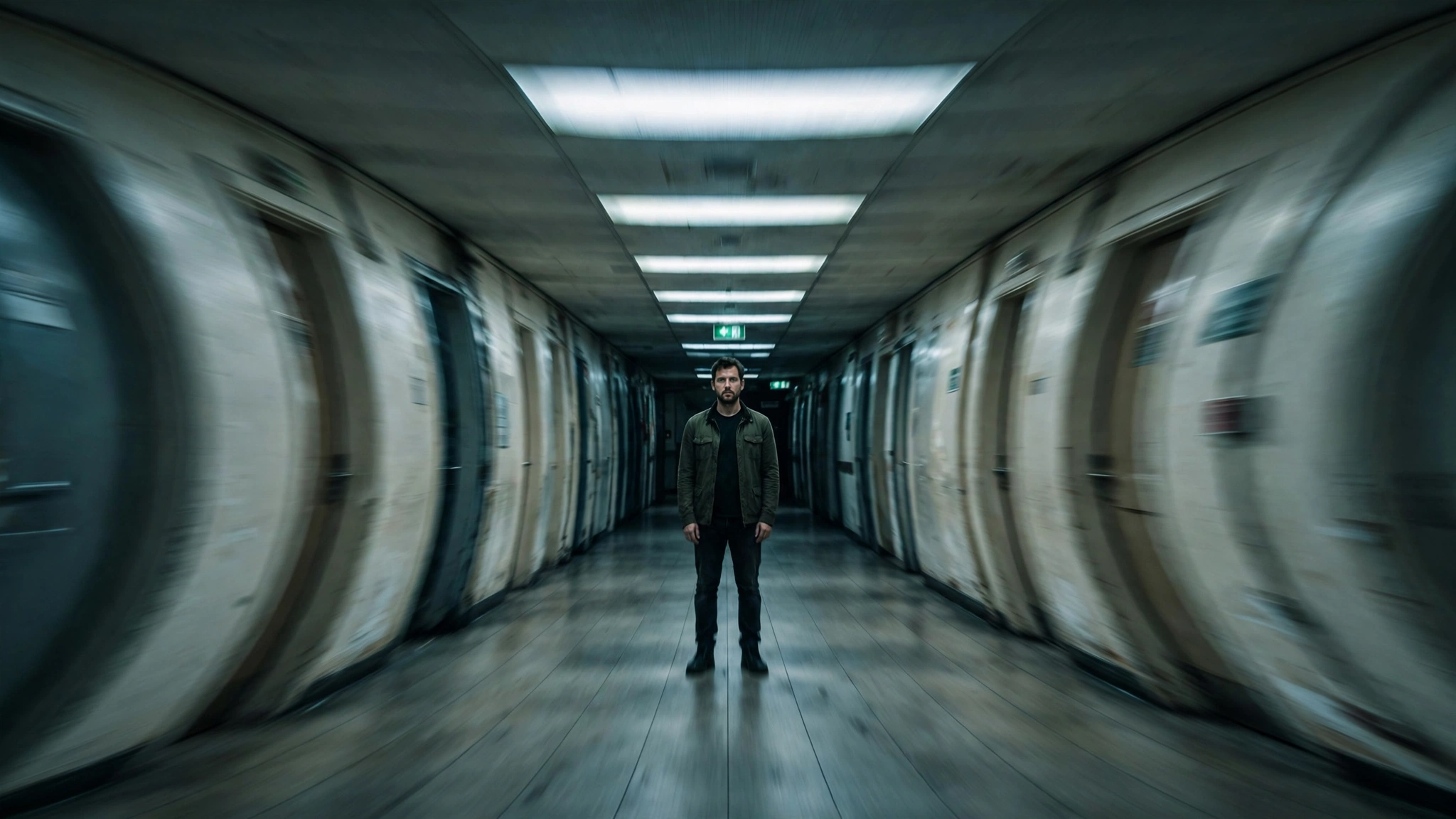
This is the easiest of the four to get wrong. The rule of a dolly zoom: the camera pushes forward while the focal length pulls back, so the subject stays the same size in frame while the background stretches and the depth grows.
How to prompt it: spell out the key line — “the subject stays the same size, the background stretches in depth.” Write only “push-in” and the AI will usually make a plain push, with none of the unease and impact. The push and the zoom have to work together; miss one and the move doesn't hold.
Common mistake: pushing without pulling the zoom. Without the reverse zoom it's just a push-in — the soul of the move is gone.
04 / Bullet Time
Bullet time: four words alone will look thin
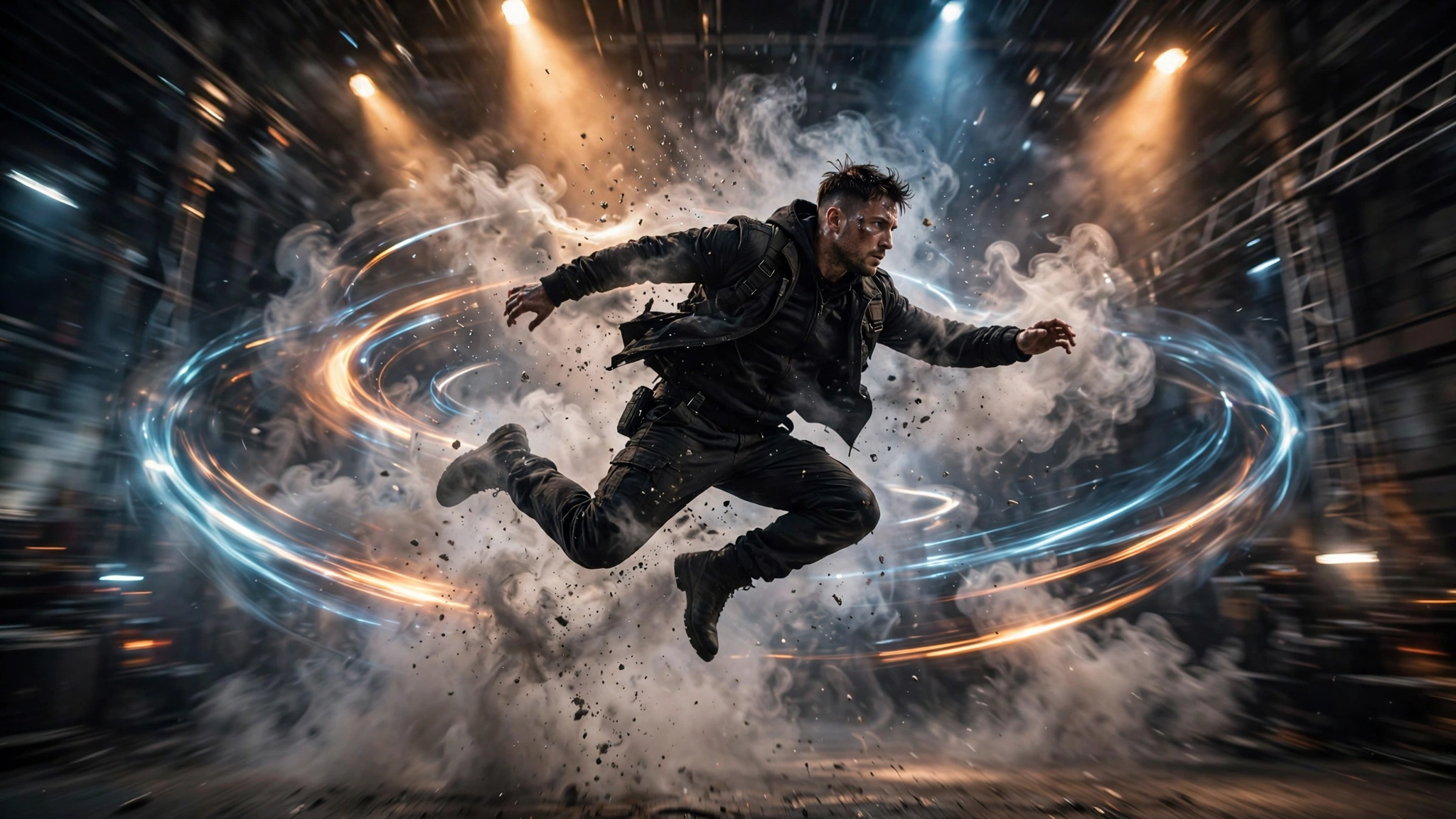
Bullet time freezes the subject mid-action while the world around them keeps moving — smoke, lights, drones all in frame.
How to prompt it: add the environment: smoke, set lighting, drones, crew movement — anything that strengthens the sense of space in motion. Subject frozen, environment moving: that's where the realism comes from.
Common mistake: chasing perfection in one take. A bad first generation is normal — iterate: get a first draft, then add staging, light and props step by step.
At a Glance
4 moves at a glance
| Move | What it looks like | How to prompt it | Common mistake |
|---|---|---|---|
| Push-in | Focus locked on the subject, gentle push forward | “push-in” or “fast zoom” | Unclear subject, pushing too hard |
| Orbit | Subject centred, circling and slowly rising | Write both “orbit” and “rise” | Orbit only — a flat circle |
| Dolly zoom | Subject same size, background depth stretches | “Subject stays the same size, background depth stretches” | Push without the reverse zoom — a plain push-in |
| Bullet time | Subject frozen, environment flowing around them | Add smoke, lights, drones and other environment | Four words only — a thin frame |
The Core
The core: AI is the tool, camera language is the craft
Tell the AI the name of the move. If the first take isn't right, add detail and iterate — but only if you understand camera language yourself. AI can execute. It can't direct for you.
Camera moves aren't movement for movement's sake. Every push, pull and orbit has to serve emotion and story. And keep the pace restrained: cinematic moves are generally slow and smooth. Big, shaky, fast moves for no reason are the most common source of the “cheap AI look”.
If you're making an AI commercial or an AI drama, camera movement is one piece of the job. From breaking down the brief and storyboarding to continuity and multi-version delivery, every step needs a director's eye. To talk about your film, add WeChat newwork88 or email 690076050@qq.com.
Commercial film services → Drama services → Multi-version services →
Have a project in mind? Let's talk first.
On the brief page, we can start with the type of film, scope, timeline and delivery — get clear first, then start production.